
I hope you enjoy reading this blog post. If you want my team to just do your email and SMS marketing for you, click here.
(And Why Your Emails Might Be Getting Rejected)
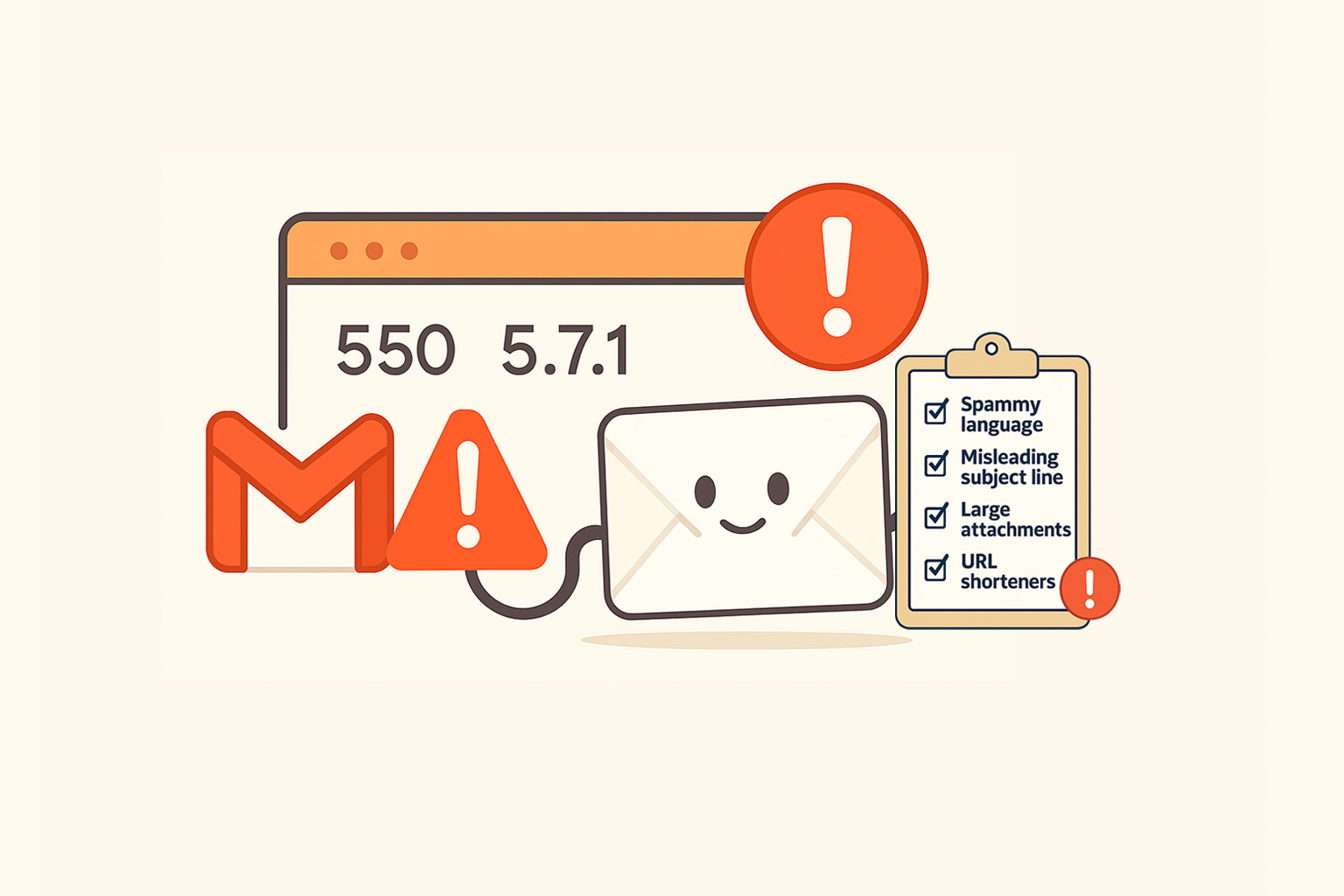
If you have suddenly started seeing “Gmail 550 5.7.1” in your bounce messages, Gmail is telling you something important.
Your message was rejected before it even reached the inbox.
This usually happens because of issues with authentication, reputation, or content. Let’s break down what that error means, what might be causing it, and what kind of email content or formatting can trigger it.
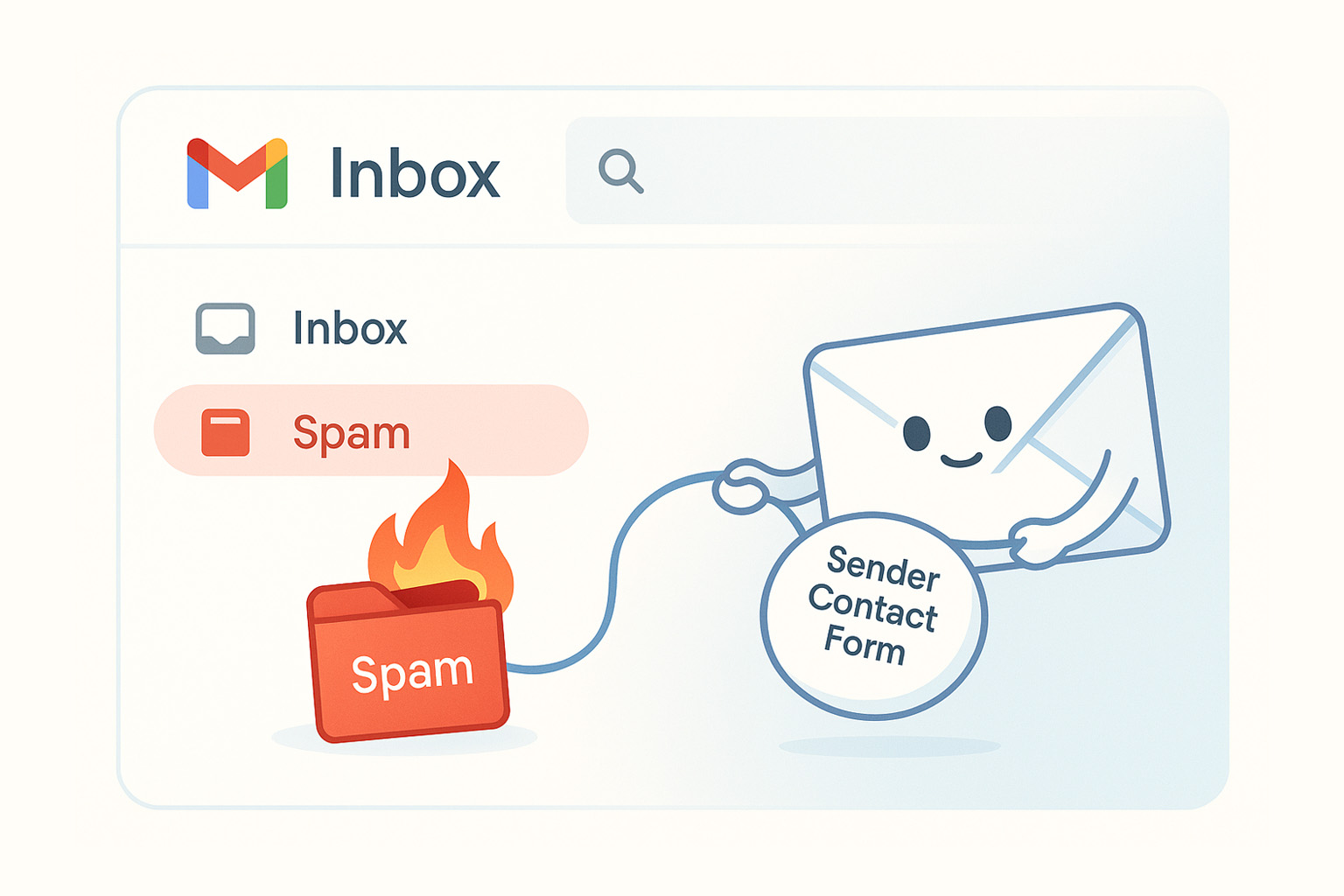
At the end, you will find a link you can share with your client to request reputation reconsideration from Google.
What Does “550 5.7.1” Mean?
- 550 means a permanent delivery failure, not a temporary issue.
- 5.7.1 means the message was rejected due to policy or reputation. It usually means the sender is not authorized or the message resembles spam.
- Gmail often adds a note such as “Our system has detected that this message is likely unsolicited mail.”
In simple terms, Gmail does not trust the message because it considers it risky or unwanted.
Common Causes Behind Gmail 550 5.7.1
- Authentication problems such as missing or invalid SPF, DKIM, or DMARC records.
- Poor sender reputation because your IP or domain may be listed on a blocklist or have a low trust score.
- High complaint rates from users marking your emails as spam.
- Spam-like content or formatting that triggers Gmail’s filters.
For marketers in lifecycle or retention roles, both technical setup and content quality are critical to avoid this type of rejection.
Gmail 550 5.7.1 Content and Formatting Checklist
Things You Should Not Include in Your Emails
Use this checklist to audit every campaign before sending. Even one of these can trigger Gmail’s filters.
- Subject lines in ALL CAPS or with excessive punctuation like “LIMITED TIME!!!”.
- Spammy phrases such as “Earn money fast”, “Act now”, “Free offer”, or “Guaranteed win”.
- Emails with too many images, too little text, or hidden text such as white on white.
- An unbalanced image-to-text ratio, for example a single promotional banner and nothing else.
- Broken links, redirect chains, or shortened URLs that hide the final destination.
- Links pointing to a different domain than the sender’s domain.
- A missing unsubscribe link or a hidden unsubscribe button.
- Attachments larger than 5 MB or in suspicious file types such as .zip, .exe, or .scr.
- Messy HTML with broken tags, inline CSS conflicts, or unreadable code.
- Generic sender names or mismatched “From” addresses such as “noreply@yourbrand.com” signed as “Support Team”.
- Bulk sends to cold or purchased lists with no engagement history.
- No personalization, such as starting with “Dear Customer” instead of a real name.
- Too many external links to unrelated domains.
- Excessive emojis or flashy formatting that looks like phishing.
The more human and natural your message feels, the less likely Gmail will flag it. Keep it clean, consistent, and clearly branded.
Recovery Steps After Reviewing Your Content
- Check your DNS records to verify SPF, DKIM, and DMARC are correctly configured.
- Monitor your IP and domain reputation using tools like Google Postmaster Tools, MXToolbox, or Talos Intelligence.
- Reduce send volume and target engaged users first to rebuild trust.
- Remove inactive or bouncing contacts to lower complaint rates.
- Simplify your HTML and test using services like Mail-Tester or GlockApps before sending.
- Request a reputation reconsideration from Google once your domain is stable again.
You can guide your client to this form and article for the reconsideration process:
👉 How to Submit a Reconsideration Form to Google
Why This Matters for Deliverability
A Gmail 550 5.7.1 error is not the end of your email reputation.
It is a signal that Gmail’s trust algorithms see something risky in your sender identity or message content. The solution is not to resend the same campaign. You must rebuild trust through authentication, consistent engagement, and high-quality content.
In short, a solid technical setup combined with clean, credible content will keep your deliverability strong.
You can get the first lesson of my course totally FREE
You’ll learn powerful strategies and tools to take your email and SMS campaigns to the next level. Ready to start your journey today?
🧠 Years of expertise packed into a course
Click here - Get 75% OFF for a limited time and gain proven strategies to elevate your email & SMS marketing