
I hope you enjoy reading this blog post. If you want my team to just do your email and SMS marketing for you, click here.
Gmail’s Sender Contact Form: The Quiet Fix No One Told You About
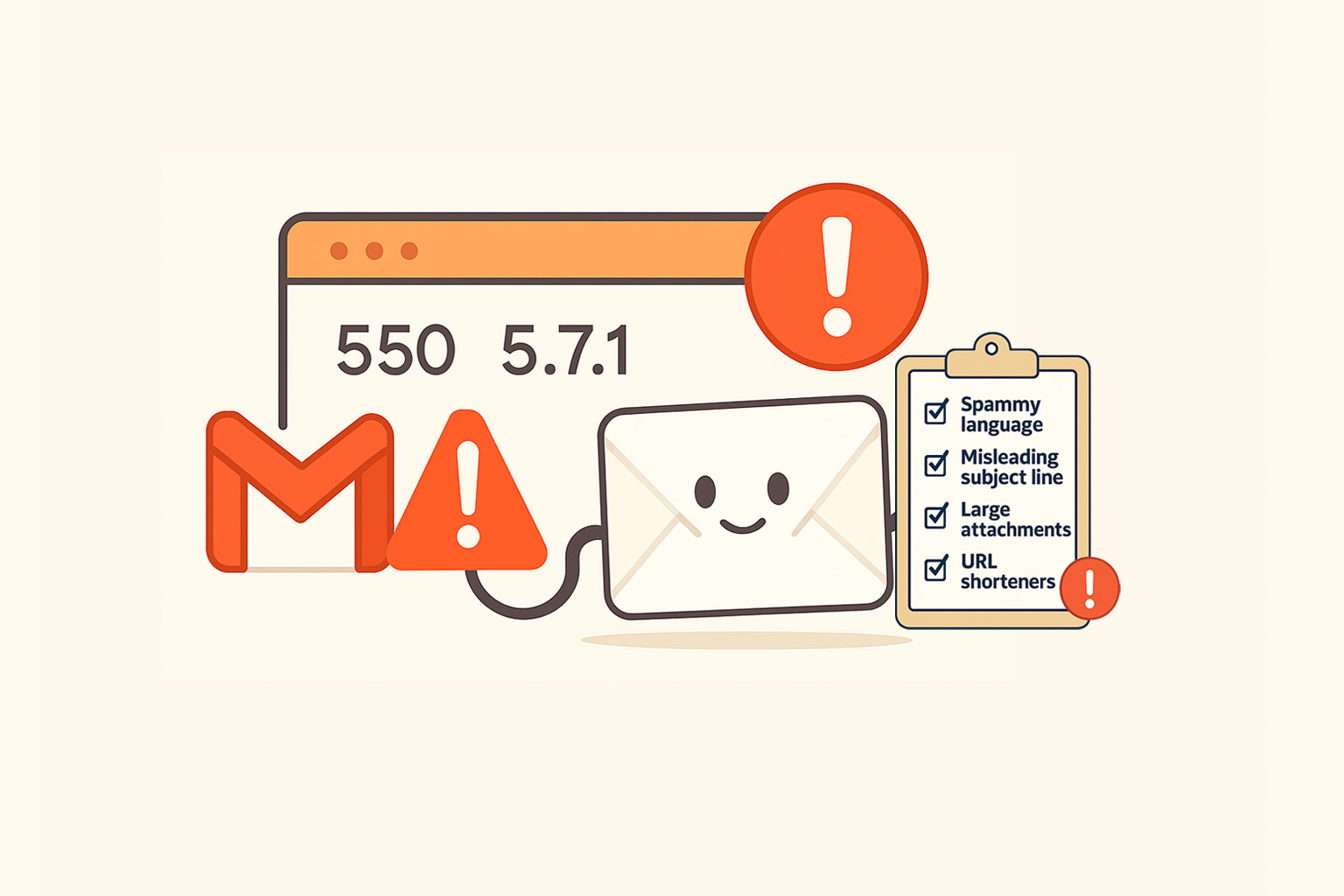
You’ve checked your DNS. Your SPF, DKIM, and DMARC records are perfect. You’re not buying lists. You’re following every best practice.
And yet… Gmail keeps pushing your emails to spam.
If you’ve been there, you know how maddening it feels. Every test inbox fails. Every warmup looks “fine.” Gmail gives you no reason, no feedback, nothing.
Here’s the good news: there’s finally a small door you can knock on.
What Google Just Released
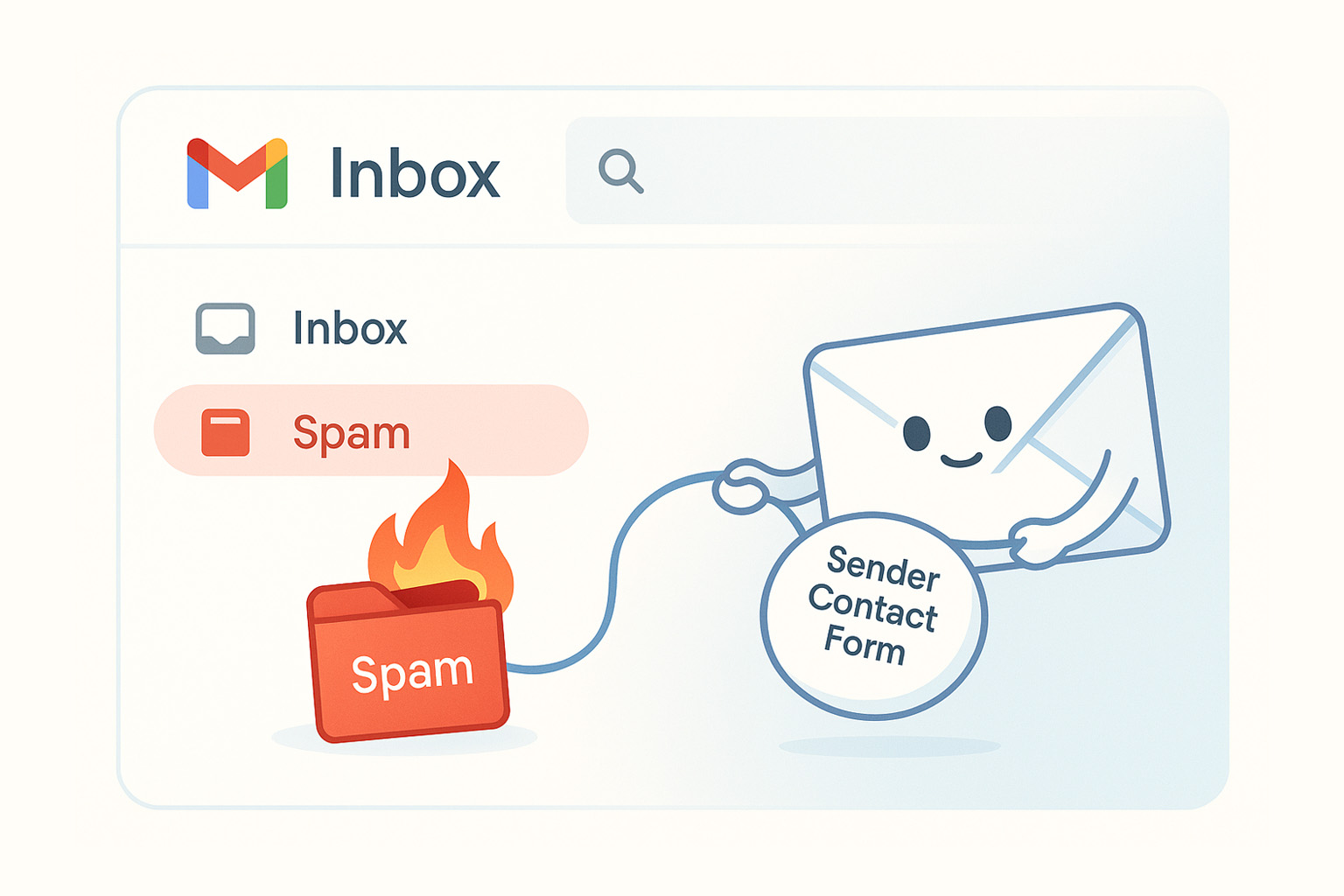
Google quietly launched something called the Gmail Sender Contact Form. It’s a direct submission form for senders to ask Google to reconsider how their messages are being filtered.
Think of it as a way to raise your hand and say:
“Hey, we’re a legitimate sender. We’re doing things right. Please take another look.”
It’s not widely publicized and it’s buried inside Gmail Help, but for anyone battling deliverability issues, this might be your best chance to get Gmail’s attention.
What the Form Actually Does
When you submit the Sender Contact Form, you’re not talking to a chatbot.
Your submission creates an internal review ticket inside Google’s system. Their deliverability team uses it to evaluate your domain, authentication, and spam complaint data.
You won’t get a confirmation email or a direct reply, but your request doesn’t vanish—it gets logged, reviewed, and assessed against Gmail’s internal criteria.
That review alone can sometimes refresh your domain’s internal reputation and lead to improved inbox placement within a few weeks.
How to Fill It Out (Step by Step)
Here’s how the form actually works—follow these steps carefully:
- Go to the official Gmail Sender Contact Form:
https://support.google.com/mail/contact/gmail_bulk_sender_escalation?visit_id=638967545983263192-2084336824&rd=1 - Enter your name and email address.
Use a monitored email (your postmaster or sender address is fine). -
Choose the type of issue:
- Your messages are incorrectly classified as Spam or Phishing
- You get SMTP temp-fails or rejects
- Other (use only if you have a very specific problem)
- Click “Next.”
- Write a short summary of your issue.
Example:
“Authenticated marketing emails from example.com are being marked as spam for Gmail recipients.” -
Provide a detailed description.
Be factual and include:- Domain and subdomains used for sending
- SPF, DKIM, and DMARC alignment confirmation
- When spam placement began
- What corrective actions you’ve taken (list cleaning, volume normalization, etc.)
- Sample campaign IDs or send dates
-
Add the full email headers from a recent message (under 12 days old):
- Open the email in Gmail
- Click the three dots next to “Reply” → Show original
- Copy the full header and paste it into the box
- Click “Submit.”
That’s it. You won’t get a response, but your submission is logged internally and reviewed by Gmail’s mitigation team.
My Advice If You’re Stuck
If Gmail keeps flagging your mail as spam, don’t rely on this form alone—use it as part of a cleanup and recovery plan:
- Remove unengaged subscribers (anyone inactive for 90+ days).
- Slow down your sending cadence if you recently increased volume.
- Reconfirm your sending domain alignment across all flows.
- And finally, submit the Sender Contact Form once your domain is stable.
Google won’t fix what looks like a persistent bad sender, but they will reconsider a clean, authenticated, low-spam domain that’s trying to recover.
Final Thoughts
For years, Gmail felt like a black box for senders. This new form doesn’t break it open, but it gives you a crack to work with.
If you manage deliverability for your brand or your clients, bookmark this page right now:
👉 https://support.google.com/mail/contact/gmail_bulk_sender_escalation?visit_id=638967545983263192-2084336824&rd=1
Because when everything else fails, this might be your only lifeline to reach Gmail’s inbox again.
You can get the first lesson of my course totally FREE
You’ll learn powerful strategies and tools to take your email and SMS campaigns to the next level. Ready to start your journey today?
🧠 Years of expertise packed into a course
Click here - Get 75% OFF for a limited time and gain proven strategies to elevate your email & SMS marketing