
I hope you enjoy reading this blog post. If you want my team to just do your email and SMS marketing for you, click here.
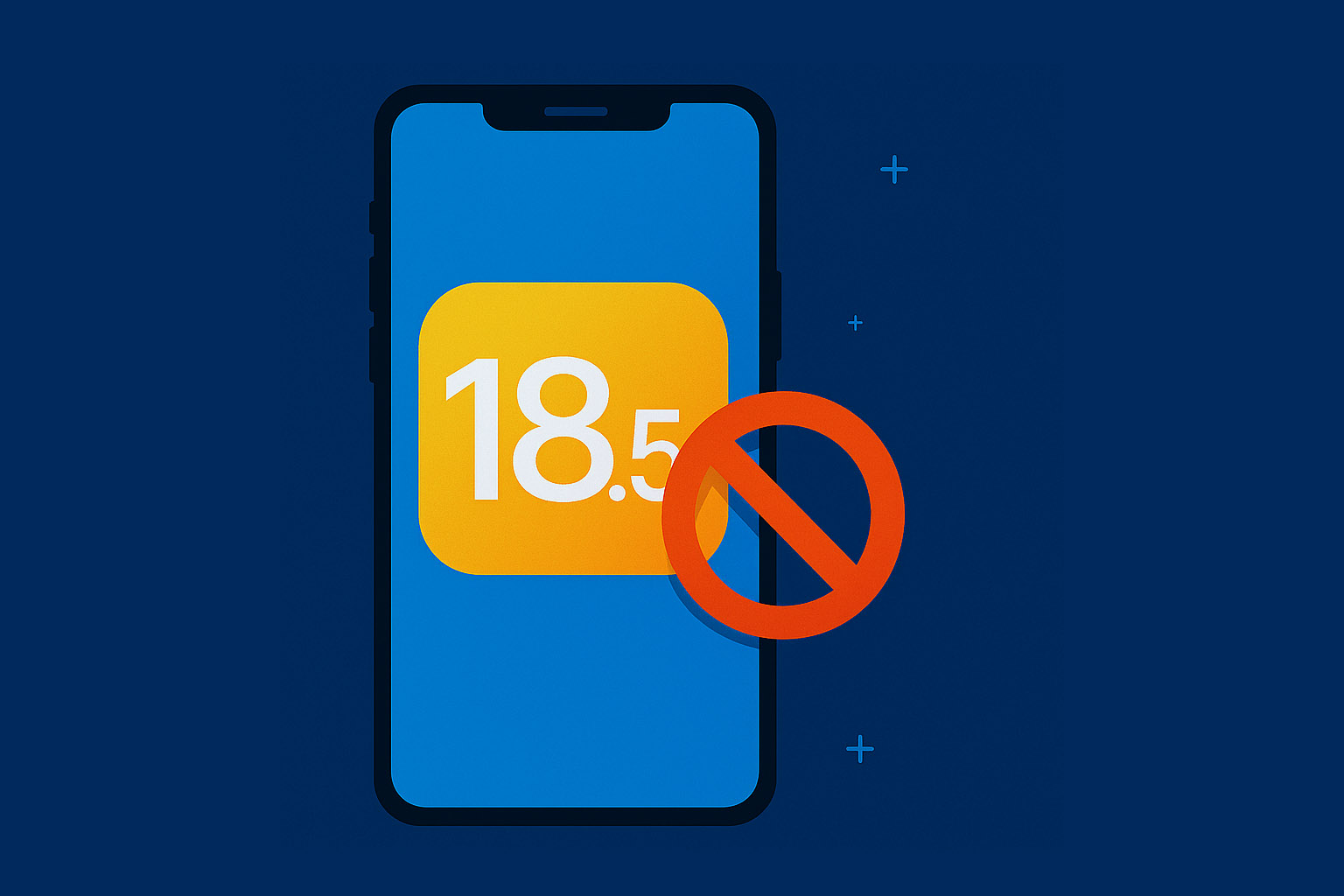
Apple’s iOS 18.5 rollout brings major changes for marketers—and not just cosmetic ones. From revamped Mail with AI-powered previews to rich RCS texting and tougher privacy rules, this update reshapes how your marketing messages appear, get delivered, and convert. Read on to discover practical strategies to stay on top in email and SMS marketing under iOS 18.5.
1. Apple Mail Overhaul: AI Summaries, Tabs, and Grouped Emails
Key Changes:
- Inbox Categories: Apple Mail now separates incoming emails into Primary, Transactions, Updates, and Promotions tabs.
- AI-Generated Previews: Preheaders are replaced with dynamic AI summaries based on email content.
- Digest View: Multiple emails from the same sender are grouped together into expandable stacks.
- Brand Logos in Inbox: Apple now supports BIMI and Apple Business Connect logos inside the Mail app.
Why It Matters:
These changes reduce immediate visibility for marketing emails, especially those sorted into the Promotions tab. Your email might still convert—but not right away. And if your preheader text used to do the heavy lifting, now your first sentence needs to be strong.
2. Apple Doubles Down on Privacy and Tracking Control
What’s New:
- App Tracking Transparency 2.0 (ATT): Users can now allow tracking only for specific purposes (analytics, ads, etc.).
- No More Fingerprinting: Apple blocks any workaround used to track users via device info or network data.
- Automatic Link Tracking Removal: Apple removes tracking parameters like
gclidandfbclidin Mail and Messages.
Impact:
Attribution is harder. Email clicks might not carry tracking data. SMS conversions may go dark. It’s time to rely on first-party data, consent-based collection, and server-side analytics.
3. RCS Messaging Arrives on iPhone
What Changed:
- RCS Now Supported: Apple’s Messages app now allows rich messaging with Android users.
- Business Features Enabled: RCS for Business is live—including carousels, quick replies, rich media, and verified sender branding.
- Message Categorization in SMS and RCS is now also a reality on iOS 18.5. Similar to Apple Mail’s new inbox tabs, the Messages app can automatically sort incoming texts—especially from unknown senders—into categories like Transactions, Promotions, and Junk. This means promotional SMS or RCS campaigns may no longer appear in the main Messages view or trigger notifications by default. To avoid being filtered or ignored, brands should use verified sender IDs, encourage users to save their number, and focus on sending high-value, relevant content.
What This Means for SMS Marketing:
You can now send interactive, branded messages to iPhone users—previously only possible with Android. But RCS adoption depends on carrier support and user settings, so expect mixed compatibility at first.
4. Notifications Get Smarter (and Harder to Break Through)
Apple’s AI-powered “Reduce Interruptions” mode prioritizes what notifications users see in real time. Non-critical alerts, including promotional app push notifications or marketing reminders, may be delayed or batched.
If your brand relies on mobile notifications to drive engagement, you’ll need to deliver more timely and personalized content to remain visible.
5. Email & SMS Metrics Will Shift—Here’s How to Adapt
| Metric | What’s Changing in iOS 18.5 | How to Adapt |
|---|---|---|
| Open Rates | AI summaries reduce need to open emails | Focus on CTR, conversions, and replies |
| Click-Through Rate | Slight decline due to delayed inbox visibility | Use stronger hooks in subject lines and openings |
| SMS Deliverability | Unknown senders may be filtered or marked as spam | Use verified IDs, encourage contact saving |
| Attribution Accuracy | Link tracking stripped in many cases | Use UTM params, server-side analytics |
| Notification Views | Apple filters and summarizes alerts | Personalize push content and optimize timing |
6. How Marketers Should Respond to iOS 18.5
- Optimize email intros: Make the first 1–2 lines of your email compelling—this is what users will see first.
- Use consistent branding: Set up BIMI or Business Connect to display your brand logo.
- Segment and personalize: Send only what’s relevant—iOS filters are trained by user behavior.
- Test RCS capabilities: If your SMS provider supports it, experiment with rich messaging for promos.
- Respect user preferences: Encourage opt-ins and give users control over frequency and content type.
- Monitor behavior trends: Look at post-click behavior and long-tail conversion windows instead of instant opens.
Final Thoughts
iOS 18.5 doesn’t kill email or SMS marketing—it just makes lazy marketing obsolete.
Marketers who adapt to Apple’s privacy-first, user-centric direction will thrive. Think quality over quantity. Relevance over reach. And clarity over clever tricks.
Your messages can still drive results—but now, more than ever, they have to earn attention.
Final Takeaway: You’re not losing power—you’re shifting power. The best marketers will lean into data-responsible, user-centric communication—whether through AI-optimized email, rich RCS texts, smart notification timing, or genuine engagement. Adapt, experiment, and focus on value—and your audience will show you the love (and conversions).
Want help adapting your email and SMS strategy to iOS 18.5? Reach out for a free consultation.
You can get the first lesson of my course totally FREE
You’ll learn powerful strategies and tools to take your email and SMS campaigns to the next level. Ready to start your journey today?
🧠 Years of expertise packed into a course
Click here - Get 75% OFF for a limited time and gain proven strategies to elevate your email & SMS marketing