

I hope you enjoy reading this blog post. If you want my team to just do your email and SMS marketing for you, click here.
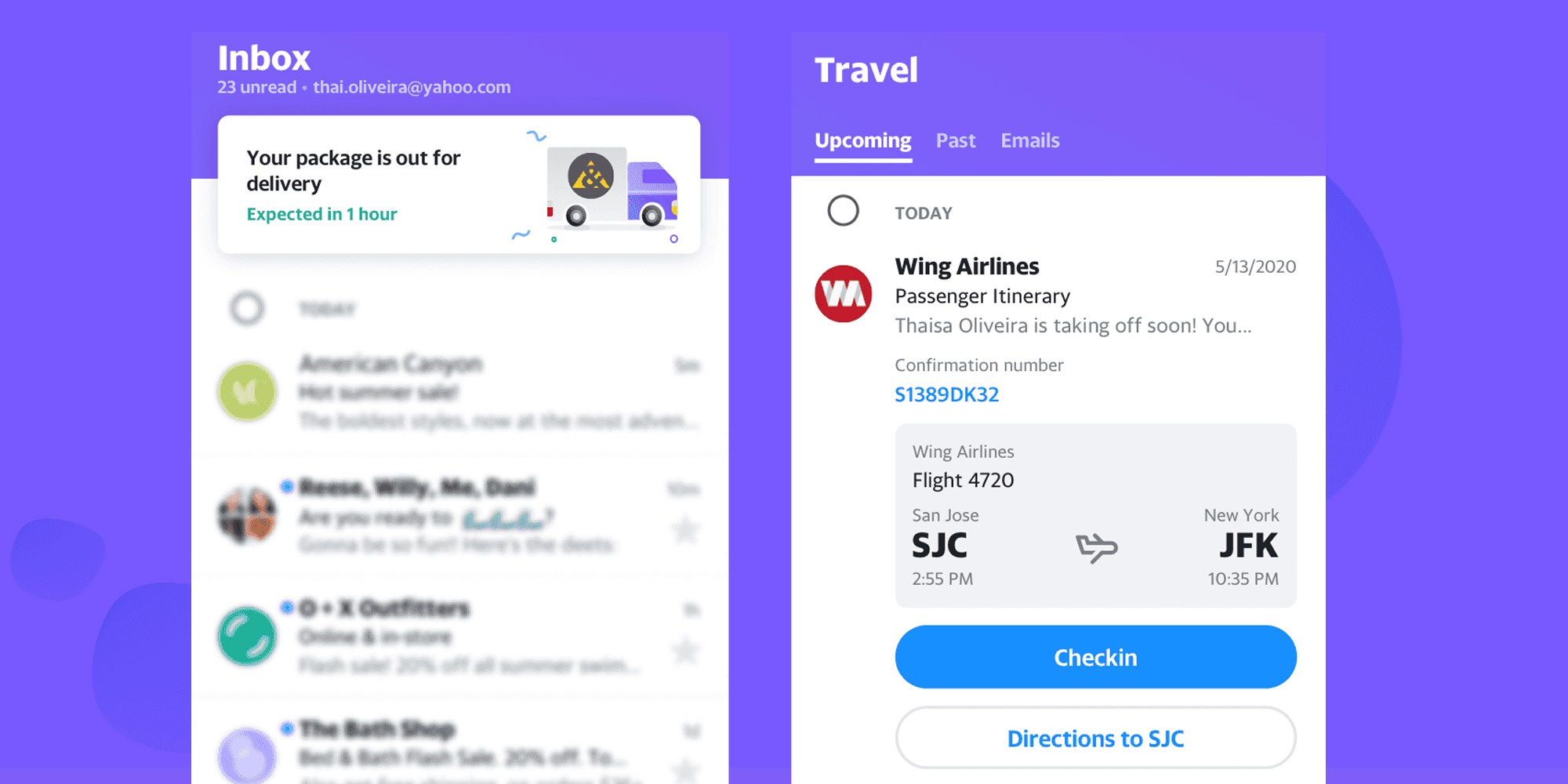
Just like Schema.org markup for web pages helps web pages stand out in search results, Schema.org markup for emails helps certain emails stand out from the rest in your inbox.
Schema.org, a collaborative initiative by major search engines, is widely known for its ability to enhance web content through structured data. However, its integration into email marketing is gaining traction as an innovative way to boost engagement and create a richer user experience.
Here’s how you can use Schema.org in emails effectively:
1. What Is Schema.org in Emails?
Schema.org in emails refers to the use of structured data to define specific elements within an email. This structured data allows email clients (like Gmail) to recognize and display certain actions or information in a visually enhanced way, such as in the form of action buttons, event RSVPs, or product details.
2. Why Use Schema.org in Emails?
- Increase Engagement: Schema.org can make your email more interactive by including features like one-click RSVPs, direct product purchase buttons, or appointment confirmations.
- Improved Visibility: Enhanced elements like review stars, event details, or product information can stand out in crowded inboxes.
- Frictionless Experience: By enabling recipients to take action directly from their inbox, you can reduce the steps needed to complete conversions.
3. Practical Applications of Schema.org in Emails
- Action Buttons: Allow users to RSVP to an event, confirm an appointment, or track an order directly from the email.
- Event Invitations: Highlight key details like event name, date, time, and location in a structured and visually appealing format.
- Product Highlights: Showcase product details like price, reviews, and availability to drive immediate purchases.
- Order Confirmations: Include shipping status, expected delivery dates, or return options for a seamless post-purchase experience.
4. How to Implement Schema.org in Emails
- Choose the Right Schema Type: Depending on your email’s goal, select a schema type such as
Event,Product,Order, orAction. - Add JSON-LD to the Email Header: Insert structured data in JSON-LD format within your email’s HTML header. For example, to include an RSVP button, you’d use the
Eventschema with anActionproperty. - Test Compatibility: Not all email clients support Schema.org. Gmail, for instance, supports rich snippets with Schema.org, but others may not. Always test your email across multiple platforms.
- Validate Your Markup: Use Google’s Rich Results Testing Tool to ensure your Schema.org implementation works as intended.
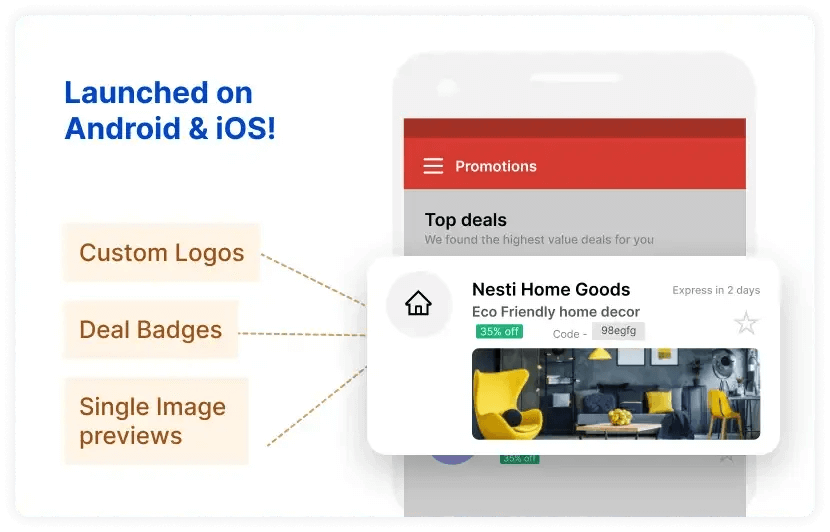
Basic Coding skills are necessary. This thing has to be coded and here’s a step-by-step tutorial how: https://developers.google.com/gmail/promotab/overview (you’ll need to use HTML editor to do it). It’s quite hard to do, doesn’t work every time and it’s very unreliable as some users report that they see it, and some do not.
5. Key Considerations
- Keep It Relevant: Only use Schema.org where it adds value to the recipient’s experience.
- Ensure Accessibility: Make sure your email works well even if the structured data isn’t supported by certain email clients.
- Stay Compliant: Always follow email marketing guidelines, such as obtaining user consent, before sending interactive elements.
Finally even if you decide to go with the annotations (Klaviyo doesn’t really support them by the way) - Annotations can only appear in promotions box. Meaning that if you send an email to 100k subs - all of the emails will either land in promotions (or spam ofc).
You can get the first lesson of my course totally FREE
You’ll learn powerful strategies and tools to take your email and SMS campaigns to the next level. Ready to start your journey today?
🧠 Years of expertise packed into a course
Click here - Get 75% OFF for a limited time and gain proven strategies to elevate your email & SMS marketing
